
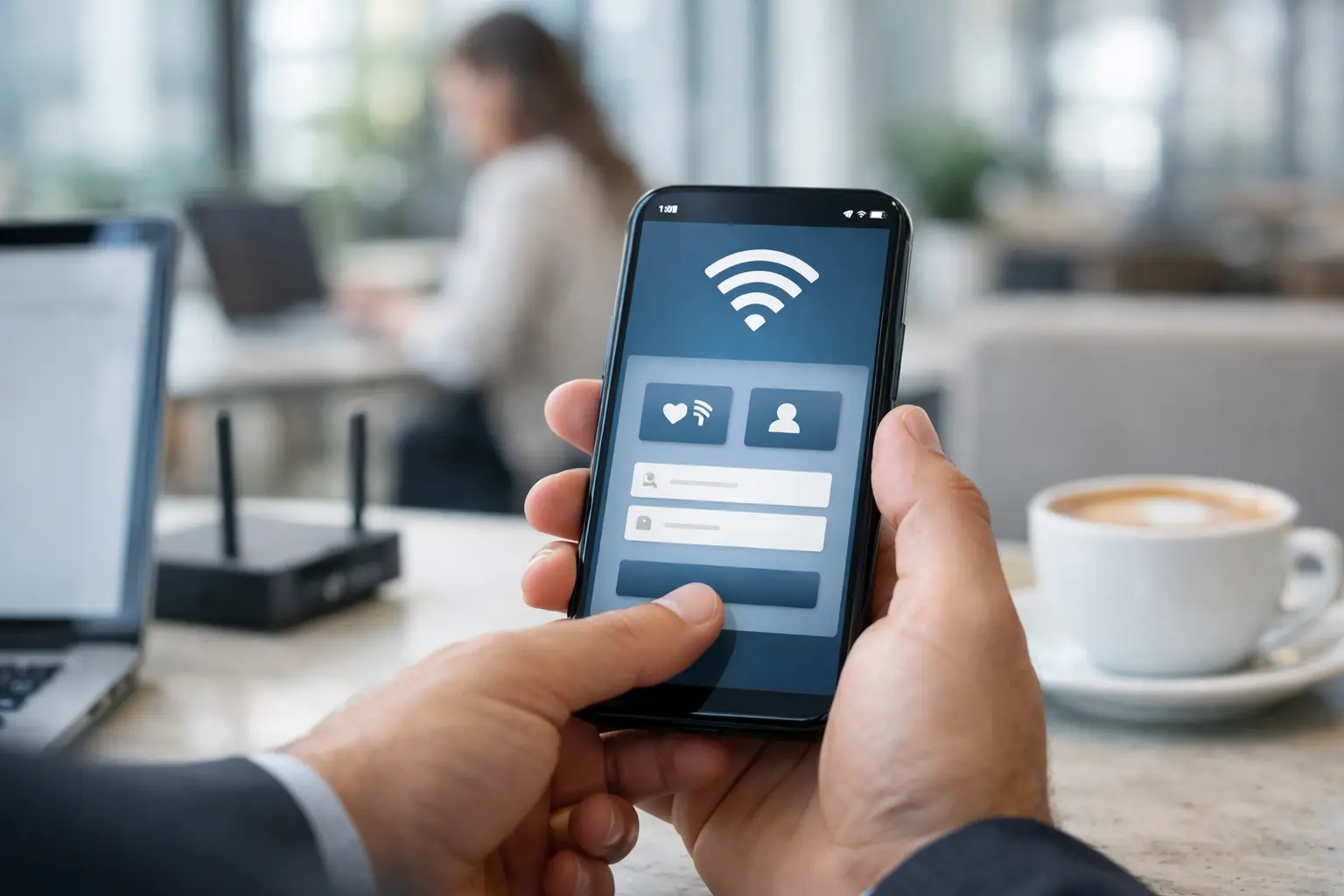
Most businesses do not have a Wi-Fi problem. They have a missed-opportunity problem. Guests connect, browse, and leave, while the network does nothing to capture data, trigger follow-up, or support future revenue. That is why so many operators ask how to build captive portals that do more than show a login screen.
A captive portal should work like a front door to your marketing stack. It should authenticate users, present your brand clearly, collect the right permissions, and push valuable customer data into the systems that drive email, SMS, ads, and retention campaigns. If it only grants internet access, it is underperforming.
What a captive portal should actually do
At a technical level, a captive portal intercepts a user when they join a guest Wi-Fi network and routes them to a branded access page before full internet access is granted. But for a business, that definition is too narrow.
A well-built portal should balance four jobs at once. It needs to make access simple for the guest, enforce the network rules you set, collect compliant first-party data, and create a clean handoff into your marketing workflows. If any one of those fails, performance drops. A beautiful portal with poor authentication creates support issues. A high-friction form may collect data but reduce login completion. An easy login that captures nothing useful does not help the business.
That is the first trade-off to understand. Building captive portals is not just a design task or a network task. It is a conversion task that sits between IT, operations, and marketing.
How to build captive portals with the right foundation
The best starting point is not the page layout. It is your business objective. A hotel may want to segment guests by stay type and trigger pre-arrival or upsell messaging. A restaurant may care more about review generation, repeat visits, and local offers. A retail store may focus on footfall attribution and remarketing audience creation. An airport or hospital may prioritize high-volume access control with minimal friction.
Your portal should reflect that objective from day one.
Start with the access model
Before anything else, decide how users will log in. Common options include email login, SMS verification, social login, voucher codes, room number authentication, employee-assisted access, or click-through acceptance. Each option changes both the user experience and the quality of the data you can capture.
Email login is often the most practical choice for businesses that want to build long-term remarketing and retention campaigns. SMS can improve identity quality and support immediate outreach, but it adds friction and may not fit every venue. Social login used to be a popular shortcut, but many businesses now prefer direct first-party data collection because platform restrictions can change. In hospitality, tying access to reservation details or room numbers can improve personalization, but it requires stronger integration work.
There is no single best method. The right one depends on your venue, customer expectations, and what you plan to do with the data afterward.
Build around your hardware and controller environment
Captive portals do not run in isolation. They depend on your access points, gateway, controller, firewall rules, DHCP behavior, DNS redirection, and authentication settings. That means your software choice needs to match your infrastructure.
Some businesses try to build portals from scratch only to discover their existing hardware has limited support for branded splash pages, API integrations, or remote management. Others choose a hardware-first approach and later realize the login experience cannot support marketing automation. This is where compatibility matters. Multi-brand hardware support, centralized cloud management, and remote configuration are not technical extras. They reduce deployment time and make multi-site rollouts far easier to manage.
If you operate across several locations, standardization matters even more. A captive portal that works well in one store but requires manual configuration at every new site becomes expensive fast.
Designing a portal that people actually complete
The fastest way to lose conversions is to ask for too much, too soon. Guests join Wi-Fi because they want access now. If your portal feels like paperwork, they abandon it.
The most effective portals keep the first screen focused. Show the brand, explain the value exchange, and make the next action obvious. If you need consent for marketing, explain what the guest will receive and why it benefits them. If you want profile data beyond email or phone, consider progressive profiling later instead of forcing everything at login.
Keep the form short and the promise clear
A captive portal performs better when the offer is specific. «Connect to free Wi-Fi» is functional but weak. «Join our Wi-Fi for free access, member offers, and visit updates» gives the user a reason to continue. The message should match the venue. In a hotel, that might be local recommendations and concierge support. In a restaurant, it might be loyalty offers and event alerts. In a retail environment, it could be exclusive promotions or back-in-stock notifications.
Mobile design is non-negotiable. Most users will see the portal on a phone, often with poor attention and little patience. Buttons need to be easy to tap, fields should auto-format where possible, and the page should load quickly. Heavy scripts, oversized images, and cluttered layouts reduce completion rates.
Use branding to build trust, not decoration
Branding matters because guests want to know the network is legitimate. Your logo, colors, copy, and venue identity should be consistent, but this is not the place for a flashy campaign microsite. Clear brand recognition beats creative complexity.
Trust signals also matter. If you collect data, include concise privacy language and terms acceptance. If the portal supports secure messaging or concierge service over WhatsApp, that can be a practical value-add, especially in hospitality or large venues, but only if it is presented as useful and optional rather than another hurdle.
Data capture is only valuable if it feeds action
Many businesses build portals that collect names and email addresses, then stop there. That is where ROI gets left on the table.
When thinking about how to build captive portals, the real question is how the captured data flows into your marketing systems. If a guest logs in and their data remains trapped in the Wi-Fi controller, the portal is acting like a dead-end form. The stronger model is a connected one where user data feeds your CRM, email platform, SMS tools, ad audiences, and reporting dashboards.
This is where segmentation becomes powerful. A captive portal can collect location, visit frequency, dwell patterns, consent status, device type, and campaign source, depending on your setup. That lets you treat a first-time visitor differently from a repeat guest, or a hotel conference attendee differently from a leisure traveler. Better segmentation leads to more relevant campaigns, and that usually lowers acquisition costs over time.
Compliance and consent need to be built in early
Businesses often treat compliance as a legal checkbox added near launch. That is risky. Consent language, data retention, opt-in flows, and channel permissions should be part of the portal plan from the beginning.
The exact requirements depend on your geography, industry, and communication channels. Email and SMS permissions are not interchangeable. If you intend to use data for remarketing, that should be reflected in your disclosures and internal handling practices. Public venues, healthcare environments, and transportation hubs may also face additional operational or policy requirements.
Pragmatically, good compliance also supports better marketing. Clean consent records improve deliverability, reduce complaints, and protect the value of your customer database.
Measure performance like a revenue asset
A captive portal should be managed like any other acquisition channel. That means tracking more than connection counts.
Start with login conversion rate, form completion rate, consent rate, repeat visitor identification, and time-to-access. Then connect the portal to downstream outcomes such as email engagement, SMS response, return visits, coupon redemption, and attributed revenue. If you are using paid media, look at how portal audiences improve remarketing efficiency.
This is where many operators change their view of guest Wi-Fi. What looked like a utility cost starts functioning as a measurable marketing asset. For a multi-location business, that shift can be substantial.
When to build internally and when to use a partner
It is possible to build a captive portal internally, especially if you have network engineers, front-end developers, and marketing operations support. But that path often takes longer than expected because the portal sits across several systems and teams.
A custom build can make sense if you have highly specialized authentication requirements or unusual infrastructure constraints. For most customer-facing businesses, though, speed to deployment, analytics readiness, remote management, and marketing integration matter more than custom code for its own sake.
That is why many organizations choose a platform and implementation partner rather than piecing together hardware settings, splash page software, consent capture, messaging tools, and reporting on their own. Companies like Wifi Marketing are built around that model because the value is not just the portal itself. It is the operational layer around it – deployment support, automation setup, training, and the ability to turn Wi-Fi traffic into ongoing communication.
A captive portal is only useful when it supports the larger customer journey. Build it with that in mind, and your guest Wi-Fi stops being a cost center and starts pulling its weight across acquisition, retention, and measurable growth.
Comments are closed