
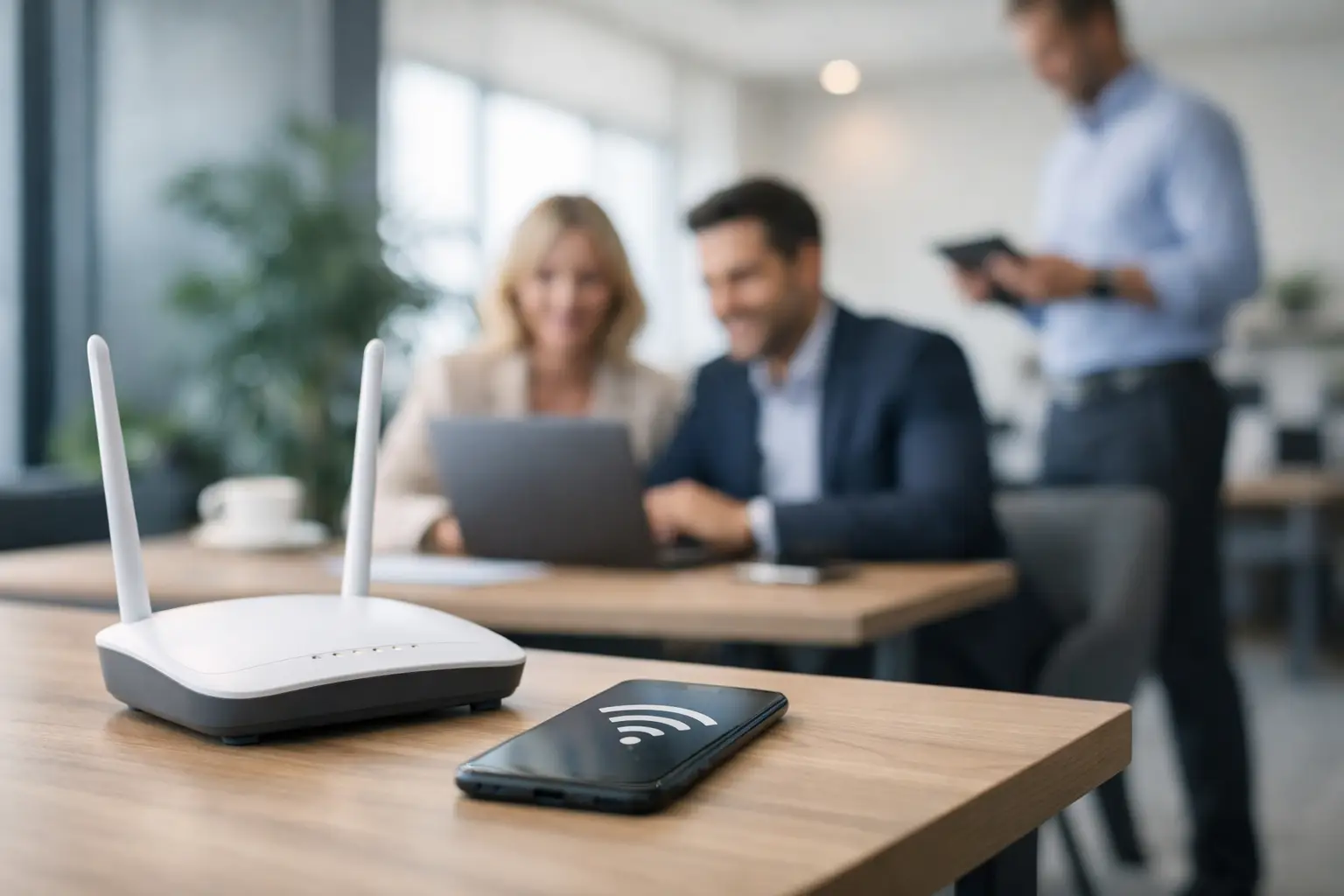
A guest network should do more than hand out internet access and hope for the best. For hotels, restaurants, retailers, clinics, and public venues, a strong guest wifi setup guide starts with one question: do you want Wi-Fi to be a utility expense, or a channel that supports marketing, service, and repeat visits?
That distinction matters. A basic guest network can reduce complaints and keep customers connected. A well-planned one can also collect first-party data, segment visitors, support remarketing, and give your team a clearer view of on-site traffic. The right setup depends on your location, customer flow, compliance needs, and growth goals.
What a business-grade guest Wi-Fi setup needs to achieve
Most businesses begin with coverage and speed. Those matter, but they are only the baseline. A guest network also needs to protect internal systems, manage bandwidth fairly, and create a clean customer experience across mobile devices.
For many businesses, there is another requirement: turning anonymous foot traffic into known, marketable audiences. That means your guest Wi-Fi should not sit apart from your marketing stack. It should support customer identification, consent capture, automated follow-up, and measurable campaign performance.
A coffee shop with fast turnover will configure access differently than a hotel with multi-day stays. A hospital may prioritize reliability and privacy notices. A mall or airport may focus on high concurrency, repeat visits, and multilingual onboarding. There is no single default setup that works everywhere.
Guest wifi setup guide: start with network design
The first step is separating guest traffic from your operational network. Guest users should never sit on the same network as POS systems, payment devices, staff computers, printers, cameras, or IoT equipment. This is typically handled through separate SSIDs, VLANs, firewall rules, and traffic policies.
From there, capacity planning becomes critical. If your venue sees 30 guests at a time, your hardware and access point placement will look very different from a property serving 500 concurrent users. Underpowered equipment creates the same result every operator has seen before: slow logins, dropped sessions, and a front desk or store team acting as unpaid tech support.
Coverage should be mapped to how people actually move through the space. In hospitality, that may include lobbies, rooms, pool areas, and conference spaces. In retail, it may center on entrances, checkout zones, and dwell areas. In transportation or healthcare settings, dead zones can create immediate frustration because customers often rely on Wi-Fi for essential communication.
The practical lesson is simple. Do not treat guest Wi-Fi as just a router purchase. Treat it as a managed part of your customer experience.
Security and compliance come first
Security is where many DIY setups fall short. Password-sharing may feel easy, but it gives you very little control over access, no meaningful customer data, and limited visibility into usage. It also creates a habit of circulating the same credentials indefinitely.
A better approach usually includes isolated guest access, session controls, content filtering where appropriate, and clear terms of use. Depending on your industry, you may also need stronger data governance, opt-in records, and retention policies. Healthcare and public venues in particular should be careful about how customer information is collected, stored, and used.
There is a trade-off here. The more friction you add to the access process, the more users may abandon it. The less structure you apply, the less value you get from the network. The right balance is usually a short login flow with visible consent and minimal unnecessary fields.
Make the login experience work for marketing, not against it
The login screen is often wasted. Businesses either make it too technical or too generic, missing a rare moment when a customer is actively engaging with the brand on-site.
A captive portal should be fast, mobile-friendly, and aligned with the venue experience. If the page takes too long to load or asks for too much information, completion rates drop. If it is too bare, you lose the chance to collect actionable data and present the next step.
Most customer-facing businesses benefit from giving users a few simple sign-in options, such as email, SMS, or social login, while keeping consent language clear. The objective is not to gather the maximum number of fields. It is to collect enough verified information to support follow-up campaigns and segmentation.
This is where guest Wi-Fi stops being just infrastructure. When configured well, the network becomes a first-party data engine. You can identify new versus returning visitors, trigger messages after a visit, and build audience segments around visit frequency, dwell time, or location behavior.
Decide what data is actually useful
Collecting data without a plan creates clutter, not value. Before launch, define what your business will do with the information. A restaurant may care about repeat visits and birthday campaigns. A hotel may focus on pre-arrival communication, upsells, and post-stay retention. A retailer may want to retarget recent visitors who did not purchase.
If your team cannot explain how a field will be used, it probably should not be on the form. Fewer, better data points often perform better than long registration screens.
Connect guest Wi-Fi to your marketing stack
This is the step that separates a convenience feature from a revenue tool. If guest Wi-Fi data stays trapped in a dashboard no one checks, the commercial upside disappears.
Your setup should feed the systems your team already uses for growth. That may include CRM records, email automation, SMS or WhatsApp outreach, audience creation for paid media, and location-level reporting. The goal is to move from a one-time login to an automated communication cycle.
For example, a venue can capture a guest email on-site, trigger a welcome message the same day, suppress that contact from generic acquisition campaigns, and add them to a segment for future offers based on visit behavior. That reduces wasted ad spend and improves relevance.
At scale, this also helps multi-location businesses compare foot traffic, opt-in rates, repeat visitor trends, and campaign performance by site. That operational visibility matters as much as the marketing output.
Build policies for bandwidth, access, and support
A guest network should feel generous without allowing a small number of users to consume all available capacity. Bandwidth shaping, session limits, and fair-use rules help preserve service quality. In hotels and longer-stay environments, these policies may need to be more flexible than in quick-service or retail settings.
You should also decide who owns the network operationally. In many businesses, marketing wants the data, operations wants fewer complaints, and IT wants tighter controls. Those priorities are all valid, but they need to be aligned before rollout. Otherwise, changes stall because no one owns the full result.
Clear support processes matter too. If users cannot connect, who handles the issue? Can credentials or sessions be reset remotely? Can performance problems be diagnosed by location? These questions become more important as the number of sites increases.
How to measure whether your setup is working
The most common mistake is judging guest Wi-Fi only by uptime. Reliability matters, but business performance should be measured more broadly.
Look at login conversion rate, opt-in quality, repeat visitor identification, average dwell time, and downstream campaign results. If your network is driving more verified contacts, stronger remarketing audiences, and lower reacquisition costs, it is doing its job. If it provides access but no usable data or follow-up opportunities, it is underperforming.
There is also a customer experience side to measurement. Watch abandonment during login, complaint volume, and session stability. A high-friction portal can reduce participation. A low-friction portal with no targeting logic can reduce value. Again, it depends on the business model.
For operators that want both performance and simplicity, working with a partner such as Wifi Marketing can shorten deployment time and reduce trial-and-error, especially when hardware, captive portals, automation, and analytics all need to work together across multiple sites.
Common setup mistakes to avoid
The biggest mistake is using consumer-grade networking in a commercial environment and expecting consistent results. The second is treating guest Wi-Fi as a side project with no owner, no data strategy, and no reporting.
Other problems are less obvious but just as costly. Businesses often ask for too much information at login, fail to isolate guest traffic properly, ignore mobile page speed, or launch without any follow-up campaigns in place. In those cases, the network may function technically while still failing commercially.
A better approach is to start with the end use case. Do you want to improve customer experience, grow a remarketing audience, capture more first-party data, increase repeat visits, or all of the above? Once that is clear, the technical setup becomes easier to shape around real business outcomes.
Guest Wi-Fi is one of the few on-site assets that can support service, data capture, and revenue at the same time. When it is planned deliberately, every connection becomes a chance to know the customer better and market smarter after they leave.
Comments are closed