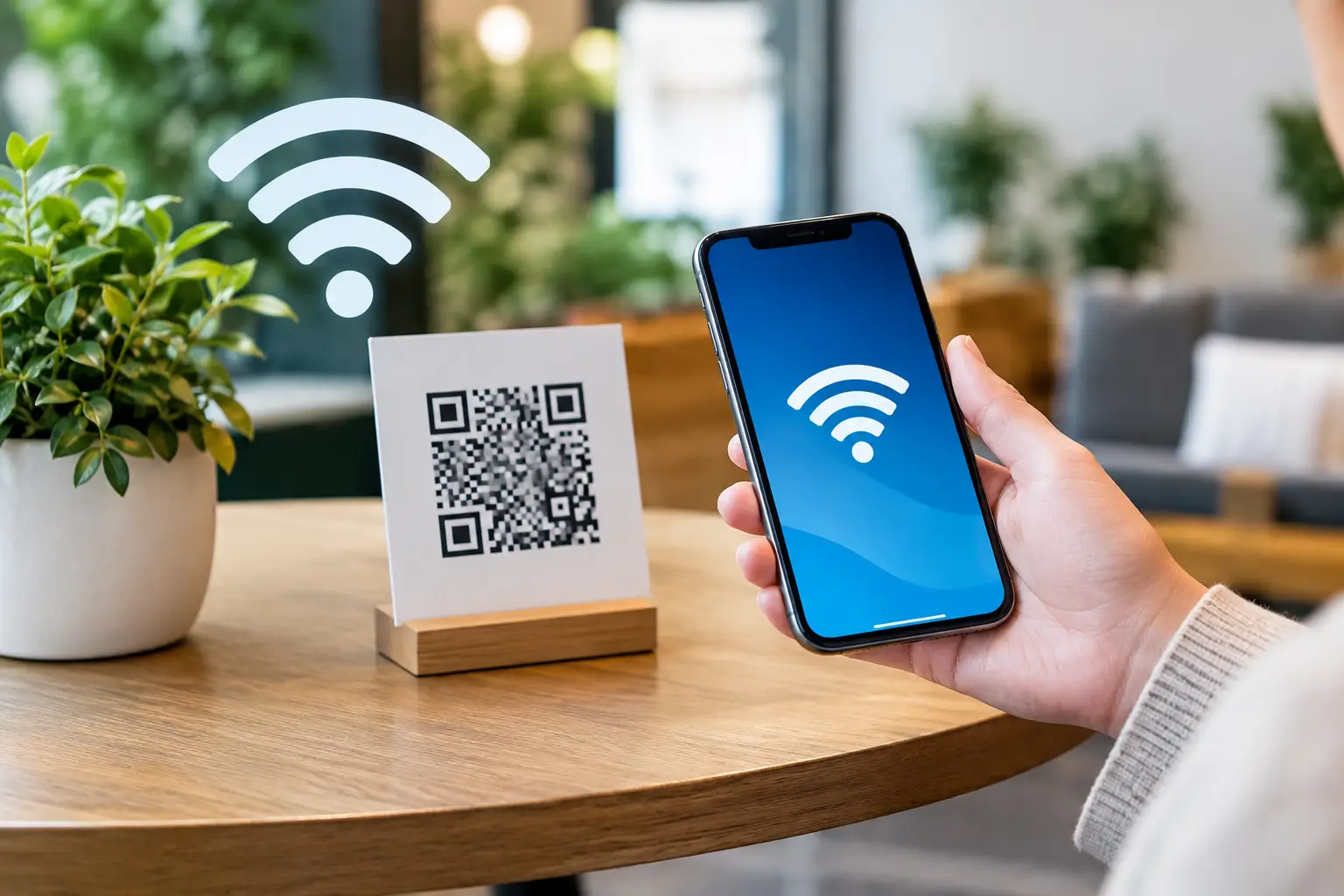
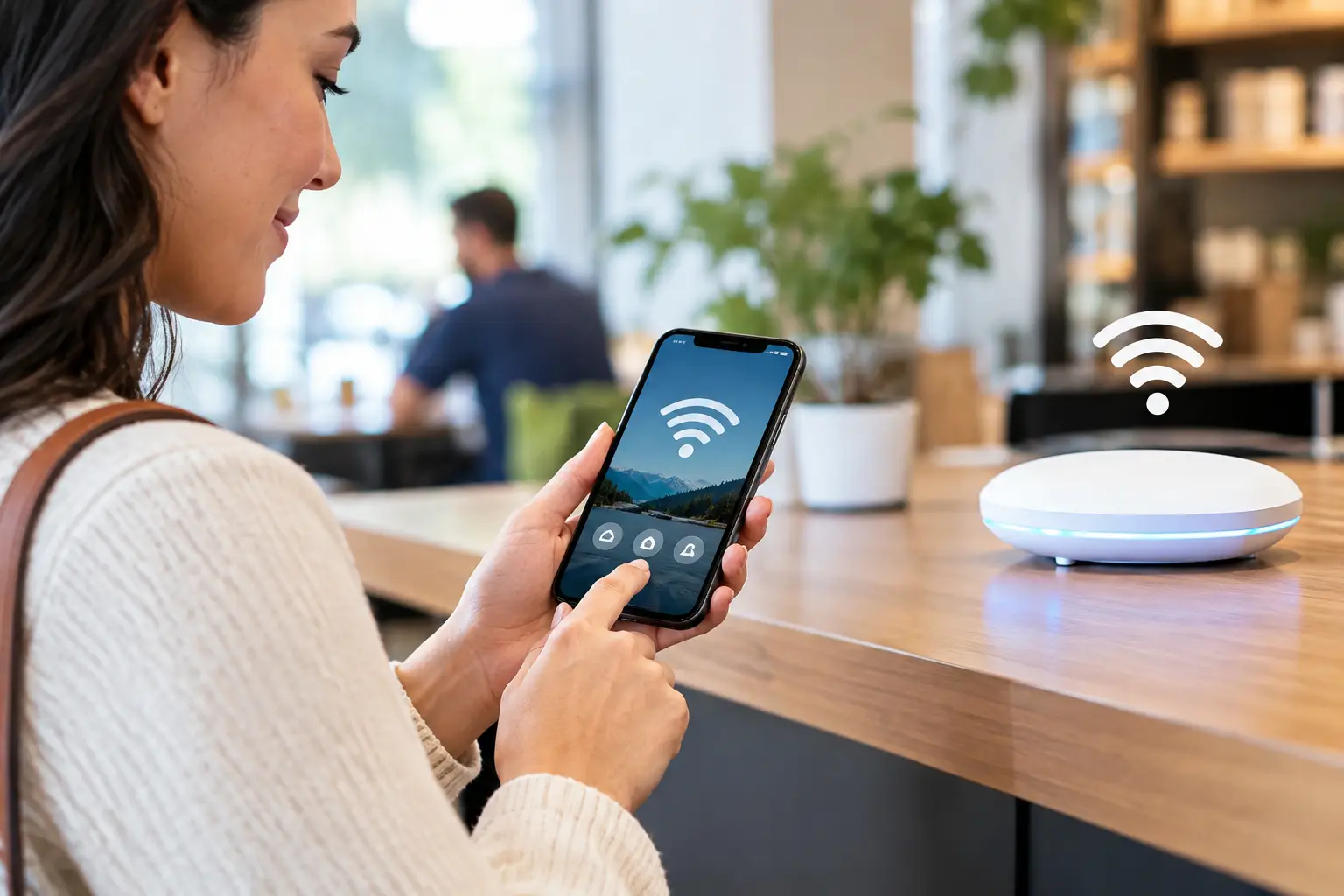
A guest who asks for the WiFi password is already asking to connect with your business. The question is whether that connection ends with internet access or becomes a measurable marketing opportunity. Learning how to configure branded WiFi gives hotels, restaurants, stores, healthcare facilities, and public venues a practical way to capture permission-based first-party data, recognize repeat visitors, and follow up after a visit.
Branded WiFi is more than placing a logo on a login page. The strongest deployments connect network access, consent, guest experience, segmentation, and automated communication in one operating model. Done well, the WiFi network becomes a reliable bridge between physical foot traffic and digital marketing.
Start With the Business Outcome, Not the Login Screen
Before selecting colors, social sign-in options, or data fields, decide what the guest WiFi program needs to accomplish. A hotel may want to improve pre-arrival and post-stay communication. A restaurant may want to turn one-time diners into repeat guests. A retailer may be focused on identifying store visitors for audience building and promotional follow-up.
Those goals determine what data to request, what integrations to activate, and what happens after the guest connects. Asking every visitor for a long form simply because the platform allows it can reduce completion rates. Asking for too little can limit the value of follow-up campaigns. The right configuration collects the minimum information needed to create a useful, permission-based customer relationship.
For many venues, a name, email address, mobile number, consent preference, and a small number of optional profile fields are enough. A hotel group might add language preference or travel purpose. A mall may ask for preferred shopping categories. The question should always be: will this information materially improve the guest experience or the next campaign?
How to Configure Branded WiFi at the Network Level
A branded WiFi program begins with a secure network design. Guest traffic should be separated from point-of-sale systems, staff devices, payment terminals, cameras, and internal operations. This separation is commonly handled through a dedicated guest network and VLAN configuration, with appropriate firewall rules and bandwidth controls.
The guest network should have a recognizable service set identifier, or SSID, that customers can find easily. Use a clear name tied to the venue or brand, rather than a generic router name. For multi-location companies, establish a naming convention that remains familiar while identifying the location when necessary.
Bandwidth policy matters as much as visibility. If streaming, video calls, or large downloads can consume all available capacity, staff operations and the guest experience may suffer. Set sensible per-user limits, prioritize business-critical traffic, and review capacity during peak periods. A busy airport lounge has different requirements from a quick-service restaurant, so the configuration should reflect real usage patterns rather than a one-size-fits-all rule.
The captive portal should be hosted and managed in the cloud whenever possible. Cloud deployment allows a central team to update portal content, campaigns, consent language, and segmentation rules across locations without sending technical staff to every site. It also makes remote troubleshooting and performance monitoring far more manageable for operators with multiple venues.
Build a Captive Portal That Feels Like Your Brand
The captive portal is the page guests see before accessing the internet. It should look and sound like an extension of the business, with your logo, approved colors, concise copy, and mobile-first design. Most people will connect from a phone, often while standing in line, waiting for a table, or checking into a property. The page must load quickly and make the next action obvious.
Keep the path to access short. A clear welcome message, a concise value exchange, and one prominent connect button will usually perform better than a crowded page. Explain why you are collecting information. For example, guests may receive exclusive offers, event updates, loyalty benefits, or useful stay information. Specific value builds more trust than vague promises.
Authentication options should match the audience and the marketing strategy. Email registration is useful for ongoing email automation. SMS or WhatsApp opt-in can support immediate communication, provided consent is clear and appropriately recorded. Social sign-in may reduce friction for some audiences, but it should not be the only option. Some guests prefer not to use a social account, and a forced social login can create unnecessary abandonment.
Terms of use, privacy disclosures, and marketing consent must be visible and distinct. Internet access should not depend on agreeing to promotional messages unless your legal and compliance teams have approved that approach. Capture the date, time, location, consent status, and method of consent so your business has a dependable record for future outreach.
Connect Guest Data to Your Marketing Stack
The portal captures the relationship; the integrations turn it into action. Configure the WiFi platform to send approved guest records into your CRM, email platform, loyalty program, or customer data environment. Use consistent fields and tagging conventions from the start. A contact labeled “Guest” is less useful than one tagged with location, visit date, device behavior, consent status, and acquisition source.
For businesses that use paid media, consented WiFi data can also support audience strategies through tools such as Facebook and Google Pixel. This helps marketing teams connect a real-world visit to a later digital touchpoint, improving attribution and reducing dependence on broad, expensive prospecting alone.
The key is to avoid treating every contact the same. A first-time café visitor should not receive the same communication as a repeat hotel guest or a customer who has connected at three different retail locations. Segmentation can be based on location, frequency, time of visit, stated interests, language, and engagement with previous campaigns.
At Wifi Marketing, this is where guest WiFi moves beyond connectivity. A properly configured platform can trigger email, SMS, WhatsApp, and remarketing workflows based on real visits and guest permissions, while giving operators one view of performance across locations.
Configure the First Guest Journey Before You Launch
Do not wait until thousands of contacts are collected to decide what they will receive. Build the first automated journey before the portal goes live. It should be useful, timely, and appropriate to the venue.
A restaurant might send a thank-you message a few hours after the visit, followed by a return offer several days later if the guest has not returned. A hotel can send concierge information through WhatsApp during a stay, then request feedback after checkout. A retail store can deliver a category-specific offer to visitors who opted in at a relevant department or event.
Frequency requires judgment. Too few messages leave value on the table; too many messages can damage trust and increase unsubscribes. Start conservatively, measure engagement, and use suppression rules to prevent overlapping campaigns. If a guest has already redeemed an offer or made a purchase, the next message should acknowledge that behavior rather than repeat the same promotion.
Test the Experience Like a Customer Would
Configuration is not complete when the dashboard says the portal is active. Test it on different devices, browsers, and operating systems. Connect from the parking lot, lobby, dining room, guest room, or retail floor where customers actually use the service. Check page-load speed, portal redirects, form completion, consent capture, email delivery, and message timing.
Also test the failure paths. What happens when a guest enters an invalid email address? What if they decline marketing consent? What if the internet connection drops midway through authentication? A polished guest experience accounts for these moments and gives staff a simple process for helping customers without exposing internal systems.
For multi-location brands, test both the central template and local variations. Location-specific offers are valuable, but inconsistent branding, outdated consent language, or broken integrations can undermine the entire program. Remote configuration makes these updates easier, but it does not remove the need for ongoing quality control.
Measure the Metrics That Connect WiFi to Revenue
Connection volume alone is not a business outcome. Track portal conversion rate, data capture rate, marketing opt-in rate, repeat visitor rate, campaign opens, clicks, redemptions, and revenue where attribution is available. Compare performance by location, daypart, portal version, and guest segment.
These measurements reveal operational issues as well as marketing opportunities. A low connection rate may point to weak WiFi coverage or an unclear network name. A high connection rate with low form completion may mean the portal asks for too much. Strong data capture but weak campaign response may indicate that your offer, timing, or segmentation needs adjustment.
The best branded WiFi programs improve through small, deliberate changes. Test one portal message, one field requirement, or one follow-up offer at a time. Over time, the network becomes more than a guest amenity: it becomes a dependable source of first-party insight and a lower-cost way to bring customers back through the door.
Your next WiFi configuration decision should therefore be simple: make every guest connection useful to the customer, useful to the business, and secure enough to earn trust every time.