
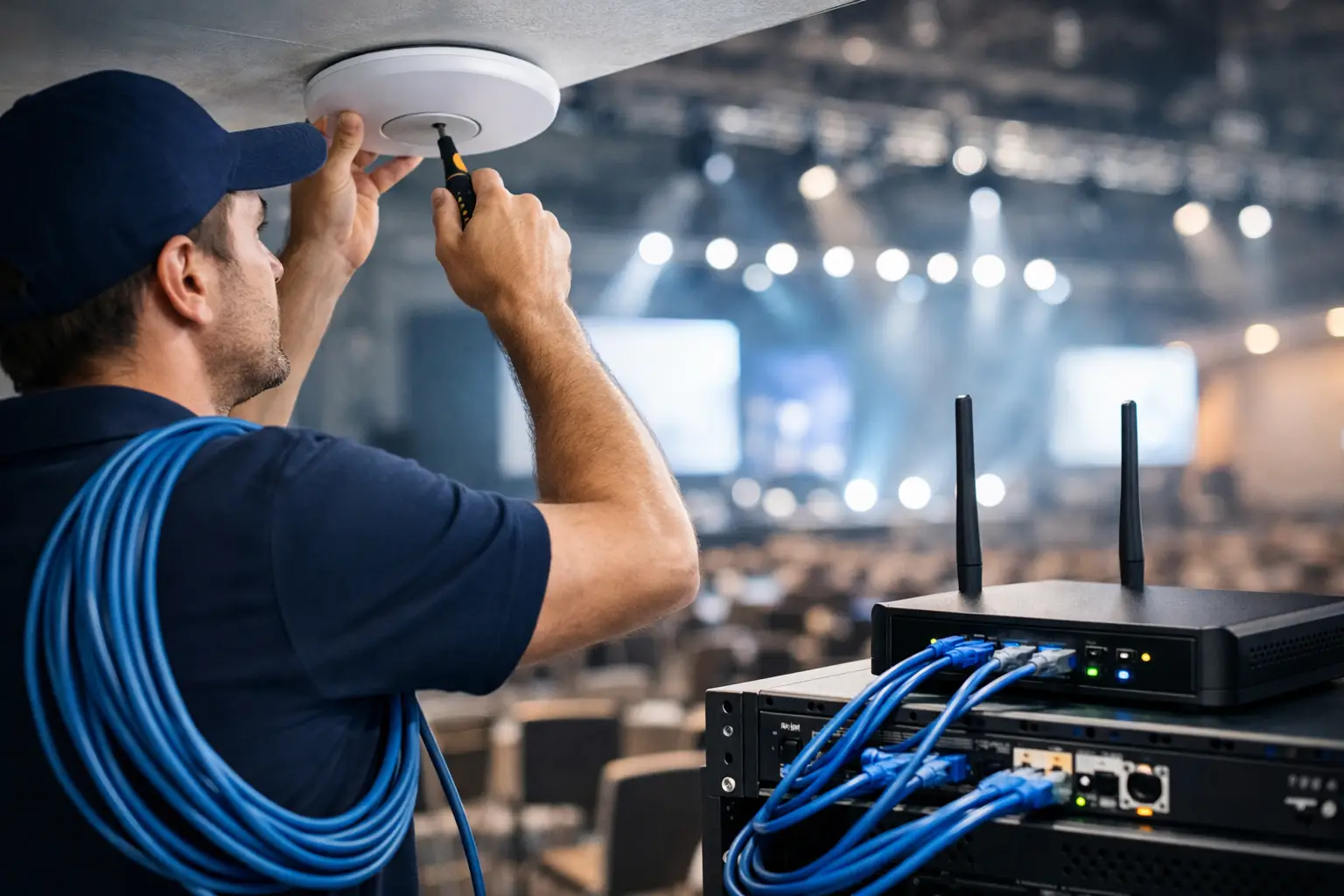
A poorly planned guest Wi-Fi network creates more than support tickets. It creates long waits at checkout, frustrated hotel guests, staff competing with customer devices, and a missed opportunity to understand who is visiting your location. A guide to WiFi network installation for customer-facing businesses must account for both coverage and commercial value: the network has to perform reliably, while giving your business a permission-based way to build customer relationships.
For restaurants, retail stores, hotels, healthcare facilities, transportation hubs, and public venues, guest Wi-Fi is no longer a simple utility. It is a physical-to-digital touchpoint. The right installation can support secure internet access, collect useful first-party data, segment audiences by location or behavior, and trigger follow-up campaigns after a guest leaves.
Start With the Business Outcome, Not the Access Points
Network equipment should follow the customer experience you want to deliver. Before selecting hardware, define why guests need Wi-Fi and what your team needs from it. A hotel may prioritize consistent room coverage, authentication that works across multiple days, and automated pre-arrival or post-stay messaging. A quick-service restaurant may care more about fast portal access, repeat-visit recognition, and offers sent after a customer has left.
This decision also affects how you configure the captive portal. A branded portal can ask users to log in by email, SMS, social account, or another approved method. The best option depends on the value exchange and your audience. Asking for too much information before internet access can reduce completion rates. Asking for too little may limit segmentation and follow-up value.
Set clear objectives early. Typical goals include growing a permission-based contact list, increasing loyalty enrollments, improving return visits, measuring traffic by location, or creating audiences for email, SMS, WhatsApp, and paid remarketing. When those outcomes are defined, installation decisions become easier to justify and measure.
Assess the Site Before You Buy Hardware
A floor plan is useful, but it is not a network design. Building materials, ceiling height, refrigeration equipment, elevator shafts, shelving, concrete walls, outdoor seating, and neighboring networks all affect wireless performance. A site survey identifies where signal is weak, where interference is likely, and where access points should be installed.
Walk the space as a customer would. Test high-traffic areas such as lobbies, dining rooms, waiting areas, checkout lanes, conference rooms, guest rooms, parking areas, and patios. Consider capacity as well as coverage. A small cafe may have strong signal from one access point but still struggle when dozens of guests stream video or join video calls at once. An airport lounge, event venue, or hospital waiting room has a different density profile and requires more deliberate planning.
Your internet connection matters, but adding bandwidth alone will not solve every problem. Slow performance may come from poor access point placement, overloaded radios, outdated hardware, channel congestion, or improper network segmentation. Diagnose the cause before paying for a larger internet plan.
Plan for Growth and Peak Demand
Install for the busiest realistic operating condition, not for a quiet weekday morning. Estimate simultaneous users, connected devices per person, bandwidth-heavy applications, and seasonal surges. Hotels should account for guests using multiple devices in each room. Retailers should include staff handhelds, payment terminals, cameras, inventory systems, and customer devices.
Scalable cloud-managed hardware is especially valuable for multi-location operators. It allows a central team or implementation partner to monitor performance, apply configurations, update portal content, and troubleshoot remotely instead of treating every site as a separate project.
Separate Guest Wi-Fi From Business-Critical Systems
Guest access should never share unrestricted access with point-of-sale devices, payment systems, employee computers, security cameras, building controls, or back-office servers. Network segmentation is a foundational requirement, not an optional technical upgrade.
Most venue deployments use separate virtual networks, often called VLANs, for guest traffic, internal operations, and specialized devices. Firewall rules then control what each network can reach. Guests can access the internet, but not the systems that run the business. Staff devices can receive the access they need without exposing sensitive infrastructure.
This separation also improves operations. When a guest network experiences unusually heavy demand, business systems are less likely to be affected. Quality-of-service rules can prioritize payment processing, voice systems, and operational applications over recreational traffic. Bandwidth limits for guests may be appropriate in some environments, but they should be generous enough to avoid undermining the experience you are trying to create.
Security also includes password practices, device updates, encrypted administration, and ongoing monitoring. A public network cannot be treated as a set-it-and-forget-it project. Hardware firmware, access policies, and portal settings should be reviewed on a regular schedule.
Build a Guest Journey That Earns the Login
The guest Wi-Fi portal is where network installation becomes a marketing system. A generic password on a wall sign gives away access but produces no measurable relationship. A captive portal gives the venue a branded moment of engagement before the guest connects.
Keep that moment simple. The portal should load quickly, display correctly on mobile devices, and make the value exchange clear. A restaurant can offer free high-speed Wi-Fi and a future dining offer. A mall can provide access alongside store directory information. A hotel can direct guests to concierge services or property information. Where appropriate, an intelligent concierge that communicates through WhatsApp can extend service beyond the portal, helping guests receive answers and relevant assistance on a channel they already use.
Consent language must be visible and aligned with your communication practices. Capture only the information you can use responsibly. If your plan is to send promotional messages, obtain the appropriate consent and provide clear opt-out options. Privacy compliance is not merely a legal task. It protects trust, which is essential if guests are going to share accurate information and remain responsive over time.
Use Segmentation From Day One
A single guest database quickly loses value when every contact receives the same message. Configure the network and portal to capture useful context, such as location, visit date, language preference, login method, customer type, or consent status. A multi-brand retailer may also need to separate audiences by individual store or region.
This enables more relevant outreach. A guest who connected at a hotel can receive a post-stay review request or an offer for a future visit. A restaurant visitor can be added to a campaign promoting a slow daypart. A retail customer can be included in a local product launch audience. The goal is not to message everyone more often. It is to communicate with stronger timing and relevance.
Test the Installation Like a Customer Would
Technical handoff should include more than confirming that devices are online. Test the actual user journey on different phones, browsers, and operating systems. Verify that the portal appears consistently, that login confirmation arrives when expected, and that users can reconnect according to your chosen policy.
Test roaming between access points in large spaces. Walk from the lobby to the restaurant, from a retail sales floor to the fitting rooms, or across a hotel property. If guests lose connection repeatedly, the experience suffers and portal analytics become less reliable. Check indoor and outdoor coverage separately, since exterior walls and landscaping can change performance significantly.
Also test failure scenarios. What happens if the internet provider has an outage? Can staff identify whether the issue is the connection, the router, an access point, or the portal? Who receives alerts? A documented support process reduces downtime and prevents frontline teams from improvising technical fixes during busy hours.
Connect Wi-Fi Data to Your Marketing Stack
The installation delivers the greatest return when data moves into the systems your marketing team already uses. That may include a CRM, email platform, SMS provider, customer data platform, analytics dashboard, or remarketing audiences. The objective is to connect a physical visit with an accountable digital action.
For example, a location can measure new versus returning guest devices, portal conversion rates, consent rates, and campaign engagement by venue. Marketing teams can build audiences based on people who visited a particular location, then coordinate follow-up through email, SMS, WhatsApp, or advertising platforms. These signals can help reduce dependence on broad, costly acquisition campaigns because the business is building its own first-party audience.
Wifi Marketing approaches installation as this complete operational system: hardware configuration, cloud deployment, portal strategy, campaign automation, reporting, and training for the team responsible for daily use. That model is useful when internal IT and marketing teams need one coordinated implementation rather than separate vendors managing disconnected pieces.
Measure What Happens After Connection
Do not judge success only by the number of Wi-Fi logins. A busy venue may generate many connections with little commercial impact if portal completion is weak or follow-up campaigns are irrelevant. Track the full path from connection to consent, campaign delivery, engagement, redemption, repeat visit, and revenue where attribution is available.
Review performance by location and segment. If one restaurant has high logins but low email opt-ins, the portal offer or staff messaging may need adjustment. If a hotel produces strong contacts but low repeat bookings, the post-stay sequence may be too generic. Small improvements at each stage can create meaningful gains across a multi-location footprint.
A well-installed Wi-Fi network should fade into the background for guests while becoming increasingly useful for the business. Build it around secure access, clear consent, reliable performance, and a customer journey your team can act on. Then every connection has the potential to become more than internet access: it can become the start of a measurable customer relationship.
No responses yet